ETIM already defines how technical product information should be structured - from product categories and attributes to formats, units, and valid values.
The challenge is getting that structure into your PIM and making it part of the product model your team actually works with.
Without a direct connection, that can mean manually recreating ETIM categories and attributes before you can even start enriching your products according to the standard.
The ETIM Connector removes that extra step.
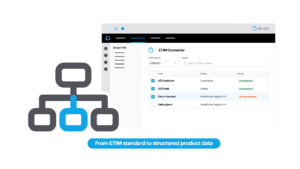
Available as an app in the Struct App Store, it lets you browse the ETIM standard versions, select the categories relevant to your business, and bring the corresponding structure directly into Struct PIM.
From there, you can maintain your product information according to ETIM as part of your existing product data setup.
Bring ETIM standards into your product model
ETIM provides a standardized way to classify and describe technical products.
It defines more than a category name. Each product class comes with its own set of characteristics, formats, units, and valid values, creating a shared language for product information across manufacturers, distributors, and other companies working with the standard.
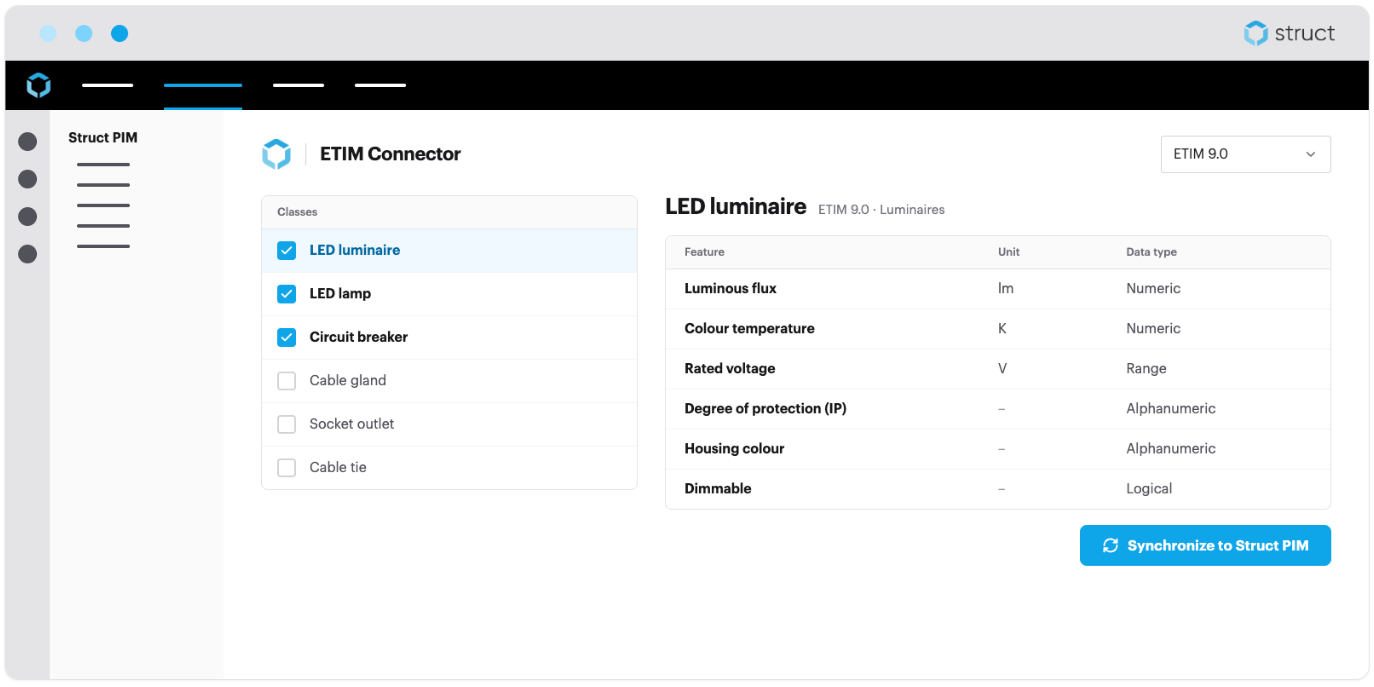
With the ETIM Connector, you can browse different ETIM versions and select the product categories relevant to your business directly from the app.
The selected categories and their corresponding ETIM specifications can then be synchronized into your Struct PIM.
Once there, they become part of the structure you use to manage your own products.
That means you do not have to manually recreate the ETIM categories and attributes before you can start enriching your products according to the standard.
The standard becomes part of your product model instead of something you have to maintain alongside it.
Keep up with different ETIM versions
ETIM is not a static standard.
New versions can introduce new product classes, additional attributes, or changes to existing structures.
At the same time, customers, markets, or trading partners may still require product information based on an earlier version.
The ETIM Connector gives you a clearer way to work with those differences.
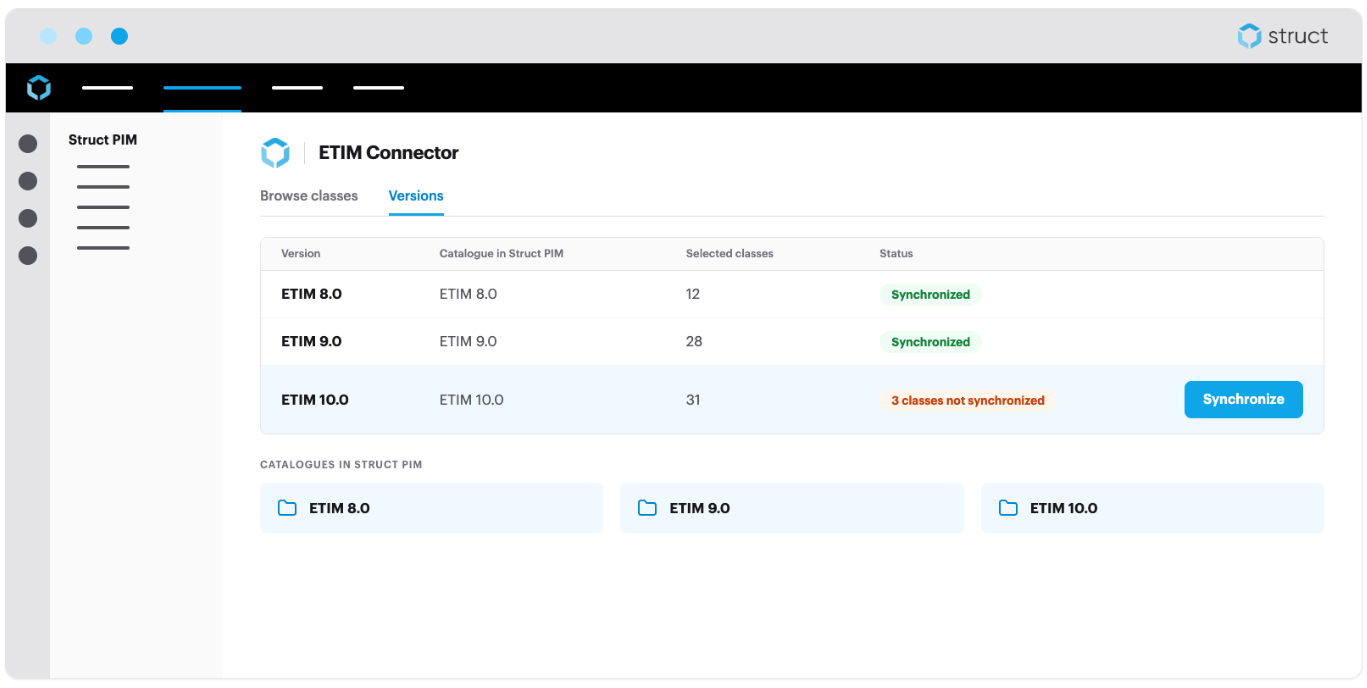
You can browse multiple ETIM versions and see the categories and specifications belonging to each one.
When synchronized, the selected versions are created as separate catalogues in Struct PIM, helping you keep the different structures apart.
The connector also shows which selected categories still need to be synchronized, making it easier to see what has already been brought into Struct PIM and what still needs attention.
Instead of rebuilding your ETIM setup whenever requirements change, you have the relevant versions and structures available as part of the same PIM environment.
Maintain your product data according to ETIM
Bringing the structure into Struct PIM is only useful if you can actually put it to work.
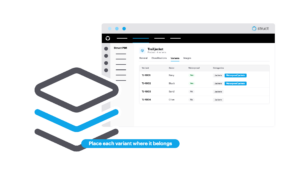
Once an ETIM category has been synchronized, products can be placed in the relevant category and the corresponding ETIM attributes become available for enrichment.
So if a particular ETIM product class requires a defined set of technical characteristics, those characteristics can become part of the product model your team already works with in Struct PIM.
From there, the product information can be filled in and maintained according to the ETIM structure.
For manufacturers and other technical businesses, that creates a more direct connection between the data maintained internally and the standardized information customers, distributors, and other partners may expect to receive.
No separate ETIM structure on the side. The requirements become part of the product data you already manage.
The ETIM Connector is available now in the Struct App Store.