
Feature tour

Manage access & permissions with full granularity

  • Keep your product data 100% safe
  • Avoid data loss with automatic backups
  • Control which user has access to what
Granular permission control

Setup exactly what users can do

Create fine-grained permissions

Define individual permissions to cover precise user actions — whether it’s deleting tasks, editing assets, or publishing products. You’re in control of what each permission does.

Group permissions logically

Organize similar permissions into permission groups that reflect your organizational setup. Assign them easily to users or roles to simplify access control at scale.

Role-based permission assignment

Assign access the way your team works

Define roles with tailored permissions

Build roles such as “Editor” or “Translator” with only the permissions they need. Choose from the entire list of permissions across all permission groups.

Invite users and assign roles to them directly

Assign pre-configured roles to users in the User Management area, making it quick and easy to manage who gets access to what.

Data model-level security

Protect sensitive product data

Customize access for properties, sections, and tabs

For every layer of your data model — individual properties, collapsible sections, and entire tabs — you can define who can view or edit content.

Enforce permissions dynamically in the UI

Property fields, sections, or tabs will be hidden or disabled unless the user has the required permission — ensuring a clean, secure, and task-focused experience.

Automatic updates

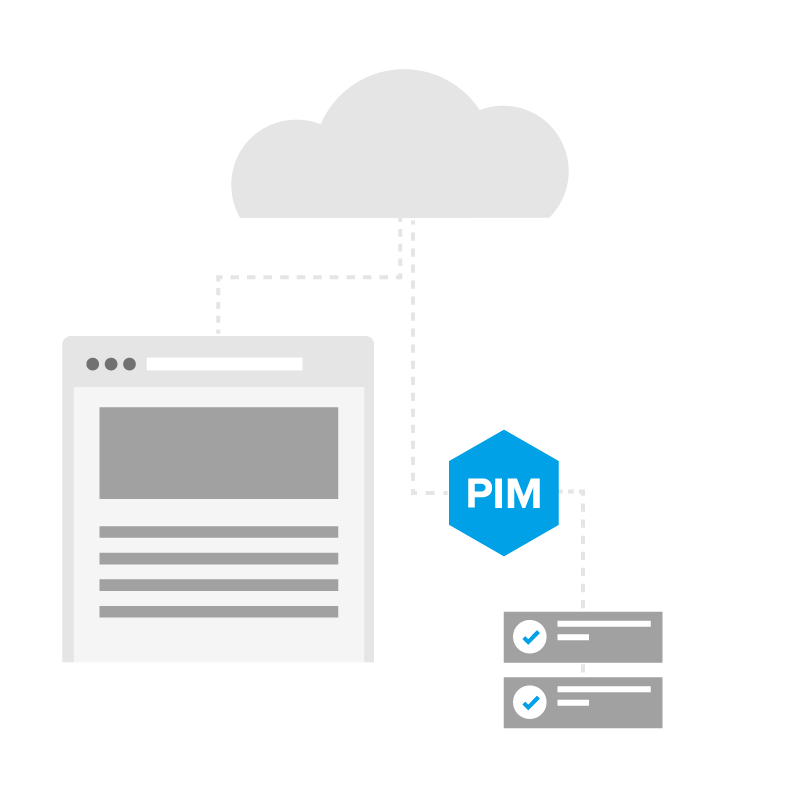
Struct PIM resides in the cloud and is continuously updated with new features and UX enhancements
Daily data backups

Automatic backups at repeat intervals keep your product data safe and secure
>
Success message!
Warning message!
Error message!